Limited time: Free migration + 90-day onboarding support when you switch from any platform. See what's included

Your Gym Runs. You Don't Have to Be There for Every Part of It.

24/7 door access tied directly to payment status. Automated check-ins. Session sign-offs that handle themselves. Email and SMS workflows that fire based on what your members actually do โ€” not on a schedule you manually maintain. Set it up once. It runs.

Start Free Trial Book a Demo

The work that happens between sessions is where gyms win or lose members

A new member signs up. You run them through onboarding, they get excited, they start coming in. Then week three hits and they skip a few days. Nobody notices at day 7. By day 21 they've already mentally cancelled.

Automated workflows catch that moment and act on it โ€” without anyone looking at a list or sending an email manually. The right message, at the right time, triggered by what the member actually did (or didn't do).

  • 24/7 door access tied to payment โ€” active billing, active access. Period.
  • Automated check-ins โ€” QR, PIN, barcode, phone, and key fob
  • Automated session sign-offs โ€” sessions confirmed without paperwork
  • Email and SMS automation โ€” triggered by member behavior
  • Customizable workflows โ€” build the sequences that fit your gym
  • Triggered by member actions โ€” sign-ups, check-ins, cancellations, missed visits
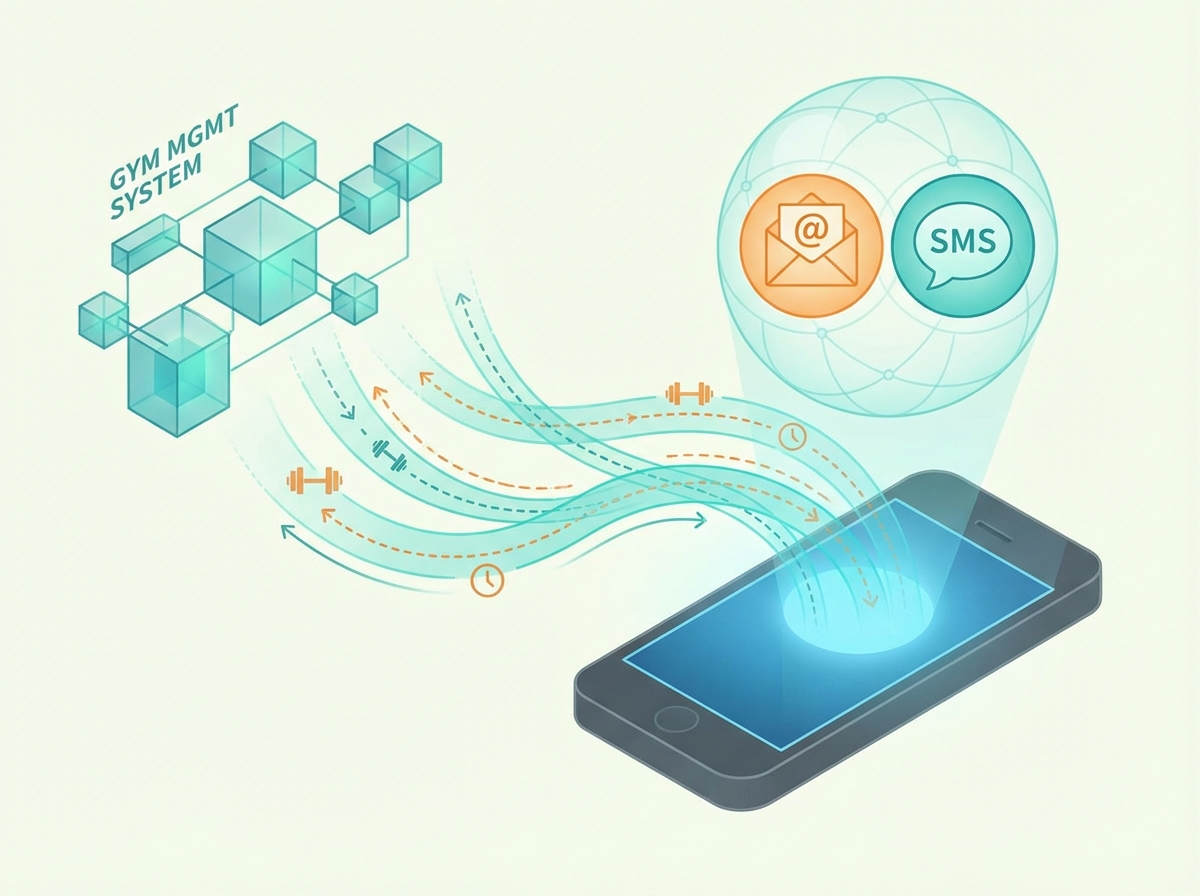
Buzops automation and access control

Every Automation Your Gym Needs

From the door to the follow-up, every touchpoint can run without a staff member manually triggering it.

๐Ÿšช

24/7 Door Access Tied to Payment

Access control is connected directly to billing status. Active membership: door opens. Payment lapsed past your grace period: access suspends automatically. No staff needed to manage who's in and who's out.

๐Ÿ“ฒ

Automated Check-Ins

Members check in via QR code on their phone, PIN pad, barcode scan, phone tap, or key fob. Each method logs the visit instantly. No front desk required. No sign-in sheet. No manual entry.

โœ…

Automated Session Sign-Offs

Sessions log automatically when completed. Member confirmation requests fire via SMS or app notification. After your configured window, the session finalizes for payroll without anyone touching it. No sign-off sheets, no end-of-week catch-up.

โœ‰๏ธ

Email and SMS Automation

Welcome sequences, re-engagement campaigns, payment reminders, birthday messages, post-session follow-ups โ€” all configured once and running continuously. Messages go out based on what members do, not on a broadcast schedule.

โš™๏ธ

Customizable Workflows

Build the automation sequences that match how your gym operates. Set triggers, delays, conditions, and actions. A workflow can be as simple as a single follow-up email or as structured as a 30-day new member onboarding sequence with branching logic.

โšก

Triggered by Member Actions

Workflows fire based on real events โ€” membership sign-up, first check-in, missed visit, package purchase, booking confirmation, payment failure, cancellation request. The trigger is the member's behavior, not a scheduled send time.

The right message at the right time โ€” without you deciding when to send it

Every automated workflow in Buzops starts with a trigger โ€” something a member did, or didn't do. From there, you define the sequence: what gets sent, how long to wait, what happens next if they respond or don't.

You build it once. It runs for every member who hits that trigger, indefinitely. Your retention improves because you're consistently reaching members at the exact moment they're most likely to re-engage. Not because someone remembered to send an email.

Build Your First Workflow
Example: Re-Engagement Workflow
Trigger
Member has not checked in for 7 days
Action
Send SMS: "Hey [Name], we haven't seen you โ€” everything okay? Book a session this week."
Wait
3 days โ€” check if member checked in
If no check-in: Action
Send email with personal trainer intro offer
If checked in: End
Remove from sequence โ€” member re-engaged

Five Ways for Members to Check In. All Automated.

Run whichever method โ€” or combination of methods โ€” fits your facility. Every check-in logs to the same member record.

QR Code
PIN Pad
Barcode Scan
Phone Tap (NFC)
Key Fob

Payment-gated access

The check-in system checks billing status in real time. Active membership: door opens. Expired, suspended, or failed payment past grace period: door stays closed. No staff managing a list. No shared fobs that work for members who cancelled six months ago.

Full visit log, always

Every check-in, every method, every day is logged against the member profile. Attendance reports show visit frequency, peak hours, and inactive members โ€” all pulled from the same data set that powers the rest of your Buzops dashboard.

Multi-door, multi-location

Run access control across multiple entry points โ€” front door, gym floor, pool, studio โ€” each with its own rules. Multi-location operators manage all doors from one dashboard. Access rules can vary by membership tier and location.

Common Questions

How does door access connect to billing status?
Buzops checks billing status in real time when a member attempts to check in. If their membership is active and in good standing, the door opens. If payment has failed past your configured grace period, access is denied and the member receives an automated notification with a link to update their payment method. When they pay, access restores automatically. No staff action required at any point.
What hardware does the access control system use?
Buzops integrates with standard access control hardware including QR scanners, PIN pads, barcode readers, NFC readers for phone tap, and key fob readers. Contact our team for a compatibility list and recommended hardware specifications for your facility layout. Installation is handled by your preferred electrician or access control vendor.
How customizable are the automation workflows?
Very. You define the trigger (what member action starts the workflow), the conditions (who qualifies, what membership types), the actions (email, SMS, internal notification, task creation), and the timing (immediate, delayed, conditional). Workflows can branch based on whether a member responded or took a specific action after a previous step.
Can I send SMS as well as email from workflows?
Yes. Workflows support email and SMS as action types, individually or together. Most re-engagement and retention workflows use SMS for higher open rates and email for longer content like offers or program details. You control the message content, timing, and channel for every step.
Will automation replace my front desk staff?
No โ€” and it shouldn't. Automation handles the repetitive, time-based tasks: check-ins, follow-ups, payment reminders, access management. Your front desk staff handles the things that actually require a human: selling PT, handling complex member situations, building relationships. Automation gives them back the time to do that work instead of processing routine requests all day.

Your gym shouldn't require your constant attention to run correctly

Try Buzops free for 30 days. Free migration, free onboarding, no contract. Automate the work that shouldn't require a person.